Understanding your billing on Ankorstore
Last updated: July 24, 2026
What types of invoices will I receive?
At each checkout (or payment), you will receive two types of invoices:
Individual invoice per brand
Issued for each brand in your order. It reflects the direct transaction between you (the retailer) and the brand.
Invoice for discounts and shipping fees
Summarises all promotional codes, discounts funded by Ankorstore, and shipping fees for your entire basket. It formalises the agreement between you and Ankorstore.
Note : "Checkout" and "payment" are interchangeable and share the same identifier (ID).
You can find all your invoices in the Payments & Invoices section of your personal space.
When are my invoices generated?
Individual brand invoice: issued as soon as the order is received and confirmed in your back office. Before that, a pro forma invoice is available.
Invoice for discounts and fees: available once all orders related to the global payment have been validated. A pro forma invoice is accessible until the final version.
Note: Invoices are generated from their issue date, not the order date.
Viewing your payment details
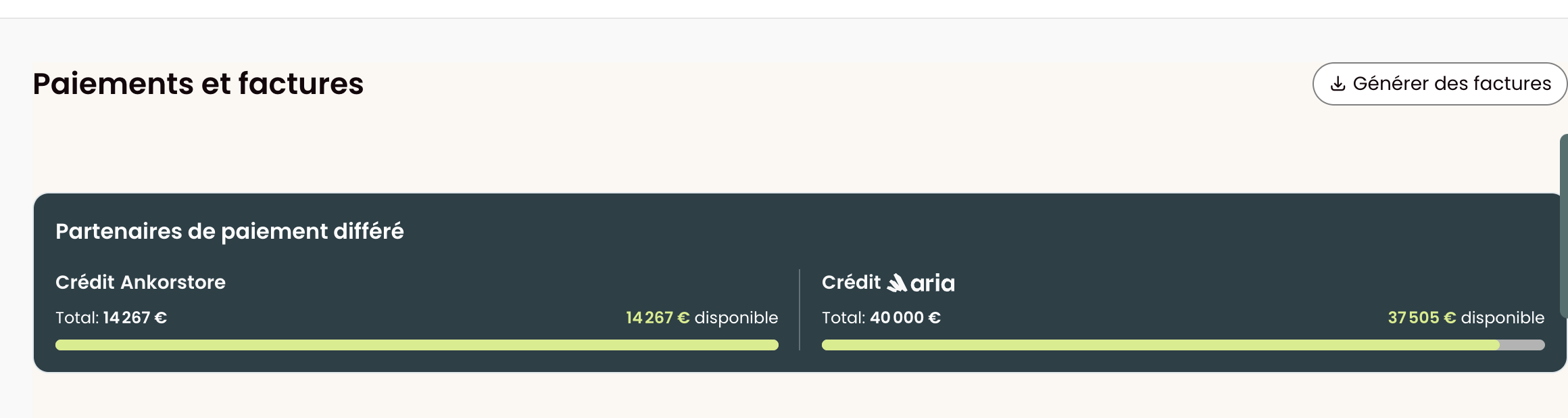
The Payment & Invoices section has been redesigned with a simplified card-based layout, making it easier to scan and understand your payment information at a glance. The experience is fully responsive and accessible on mobile.
If you use a deferred payment option, your available credit and total credit limit are displayed upfront, so you can check your purchasing power before placing an order.
How to download my invoices?
Download an individual invoice
Go to Payments & Invoices and click on the relevant payment to access:
Individual invoices (one per brand)
The invoice for discounts and fees
Download multiple invoices at the same time
Step 1: In the " Payments & Invoices" section, click on "Generate invoices" (top right)
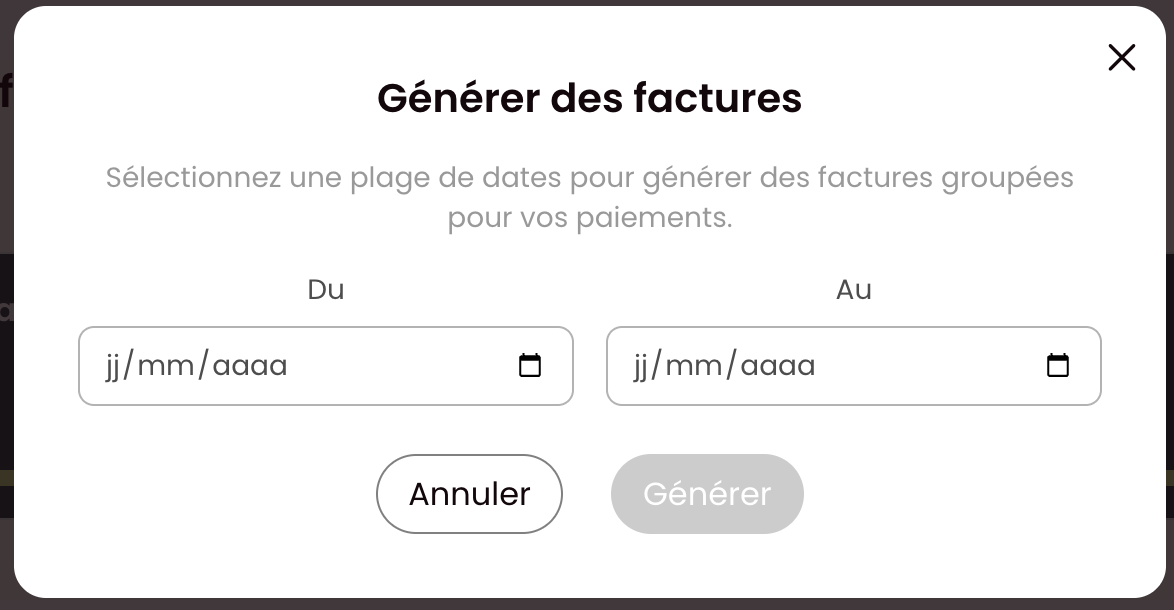
Step 2: Select the desired period . A window will open to allow group downloads.
Step 3: A banner will appear at the top of the page once your invoices are ready to download. The link is available for 24 hours.
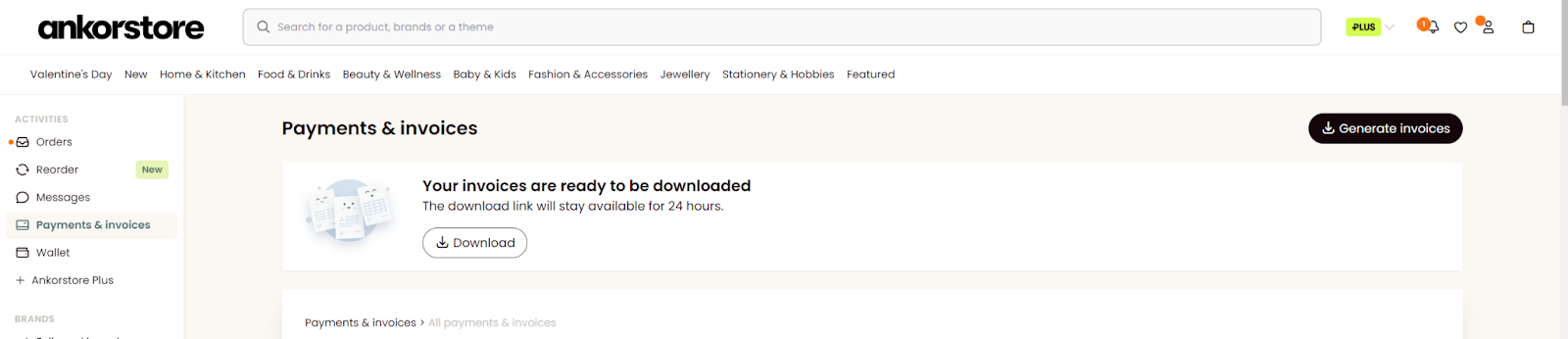
Note: Several download buttons may appear depending on the selected period. Ankorstore does not provide account extracts or ledgers.
FAQ
What can I do if there is an error on my invoice?
Once an order has been received and validated, the invoice can no longer be modified. Check your information carefully before validation. If you spot an error or have doubts before validation, contact our customer service team.
Where can I find my Ankorstore Plus invoices?
Step 1: Go to the Ankorstore plus tab in your back office.
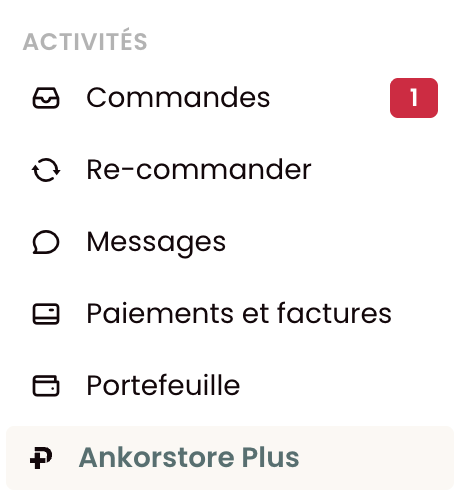
Step 2: Scroll down and click Manage subscription settings
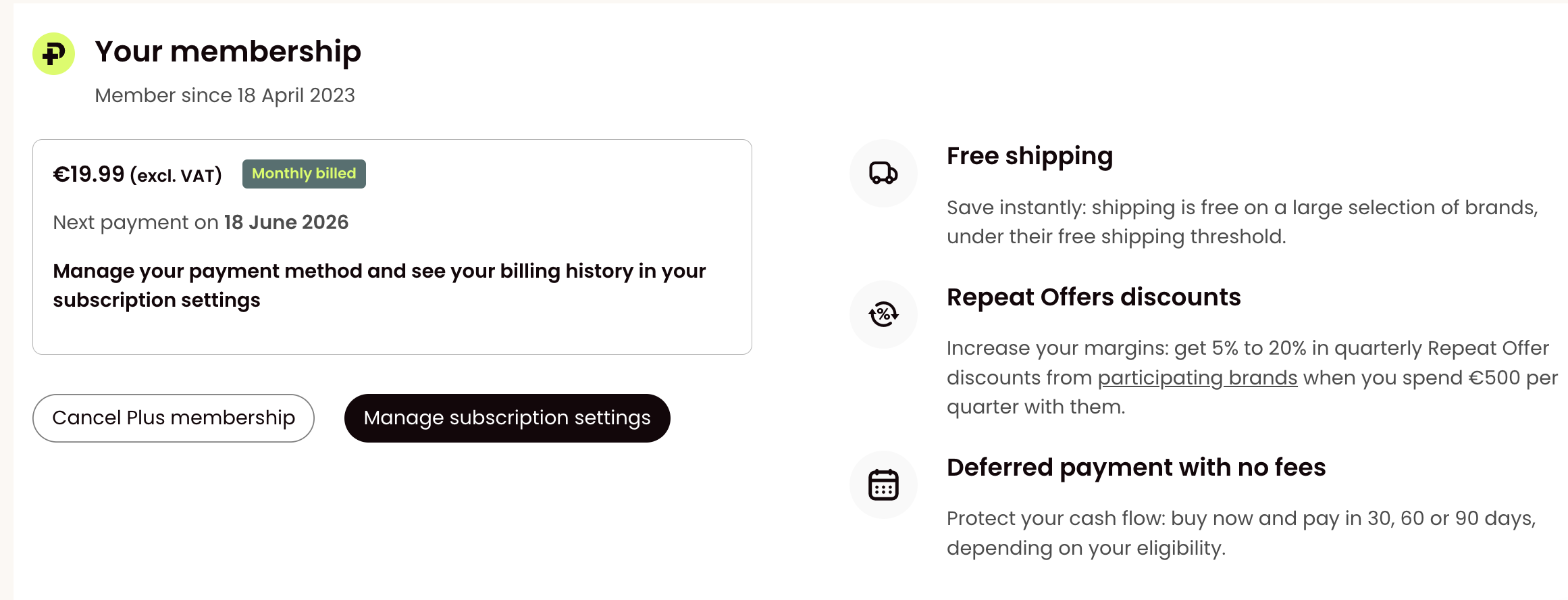
Step 3: You will be redirected to a Stripe page. Scroll down to the Invoice history section.
Step 4: Click the link next to the date to download your receipt and invoice.
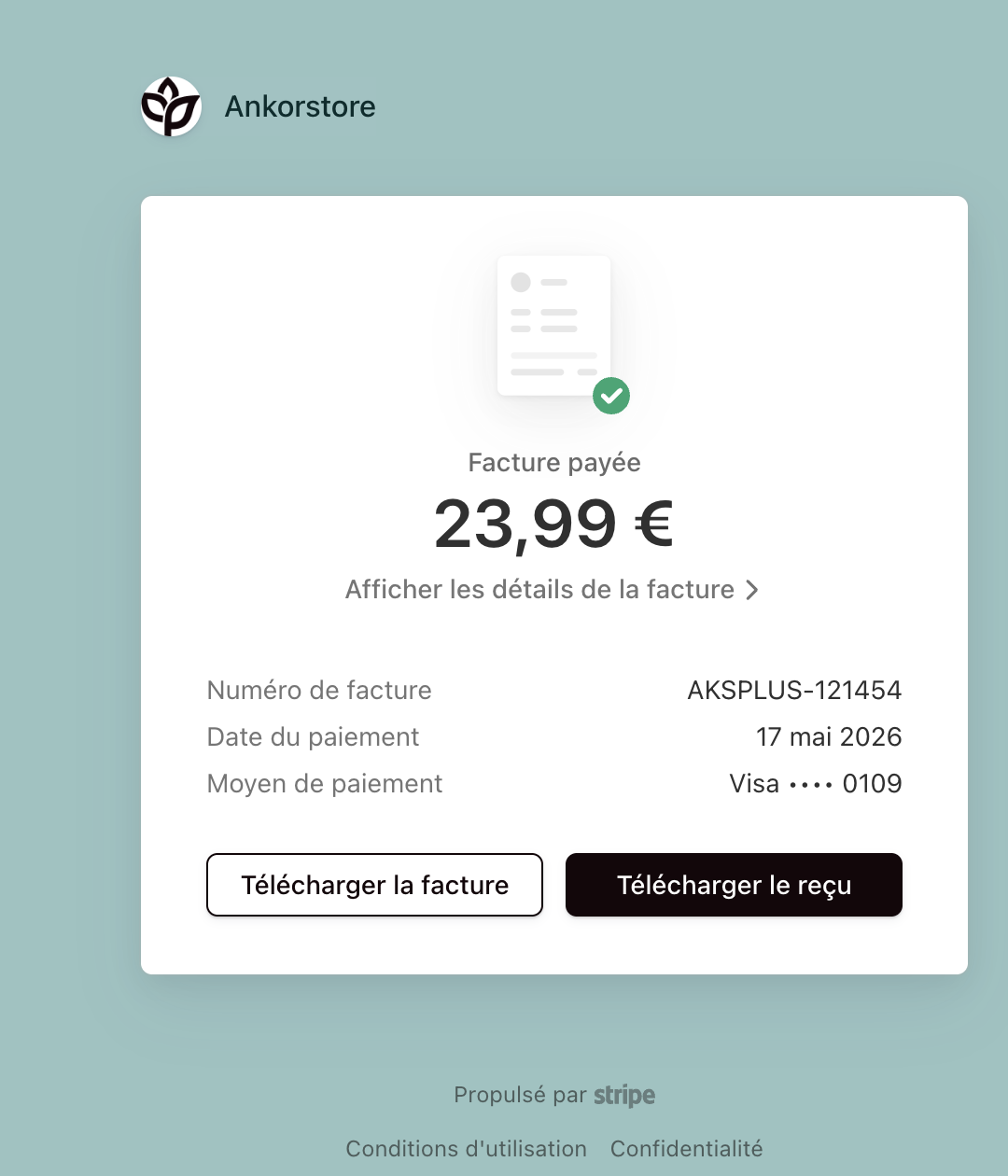
Note: For your record this is a French entity who is charging the invoice. This is a zero-rate invoice.
I have not received my invoice from an Italian brand, why?
Italian legislation requires electronic invoicing via the SDI system. Italian brands send invoices directly to you. If you have not received one, contact the brand via Ankorstore messaging.