Modify My Order
Last updated: September 18, 2026
This article will explain how to modify your order
Change the delivery address for your order
You can change the delivery address for your order by clicking on "Change address" option before you have completed the payment process.
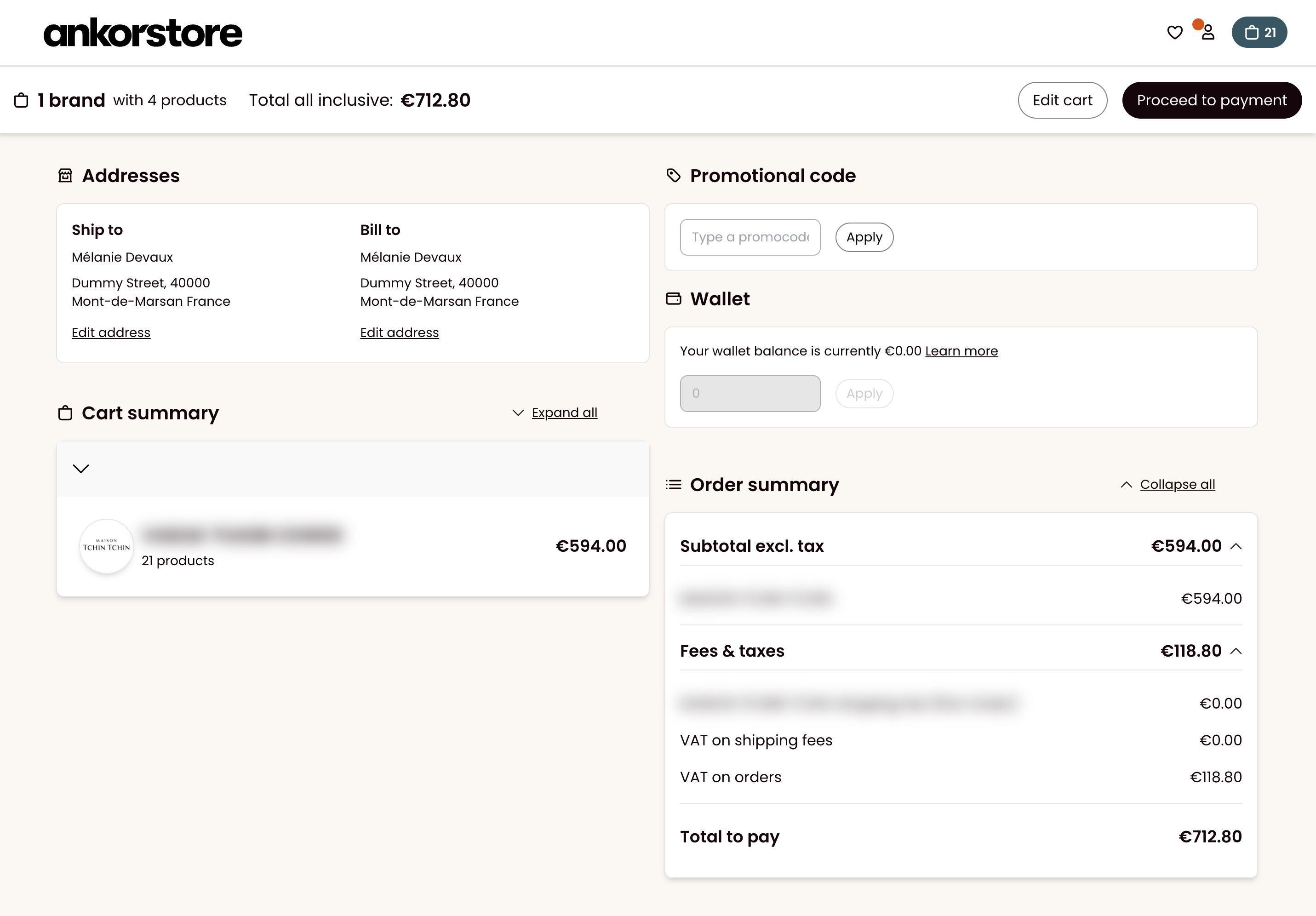
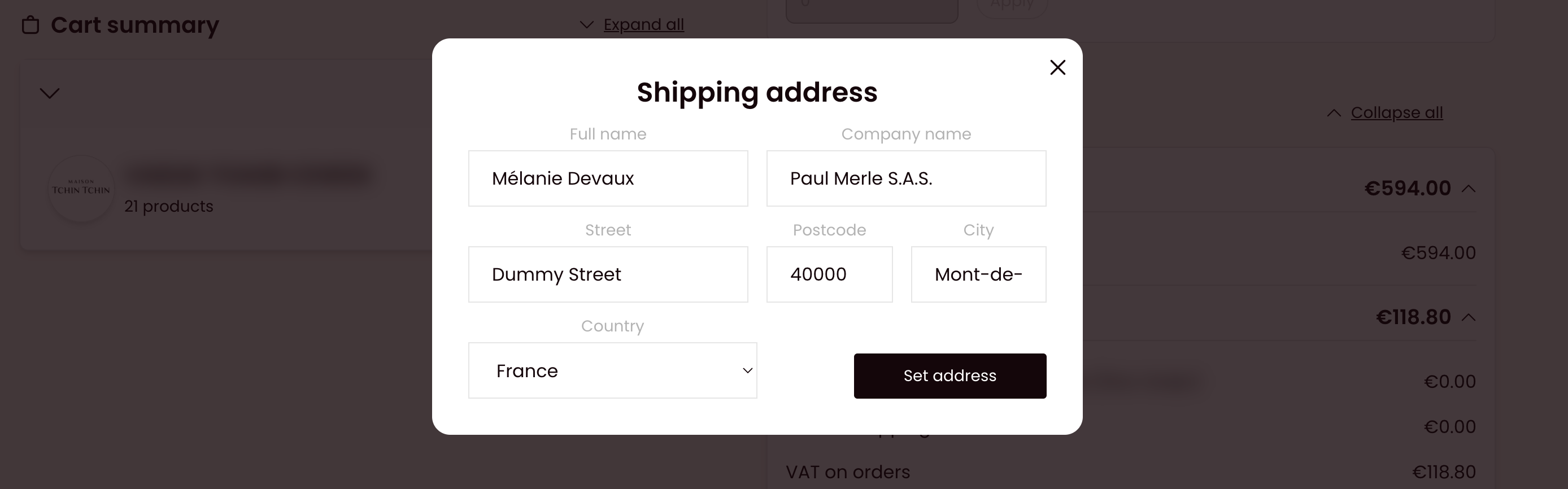
In case you have already submitted the order and wish to change your delivery address, please reach out to us by filling out this or our , and selecting "Change my delivery address", our team will get back to assist you.
We can change the delivery address before the order is sent. Provide us with the order number concerned and the new delivery address associated with the order.
If the label has already been printed by the brand, the brand should print a new one once the change is made.
Remove or add a product to your order
If you want to remove products from your order, or replace certain products, you can contact the brand directly to request any product removals. Brands now have the ability to make these changes themselves using the new editing features.
Once you have placed your order, you cannot add products above the original value of the order.