Delete products
Last updated: September 7, 2026
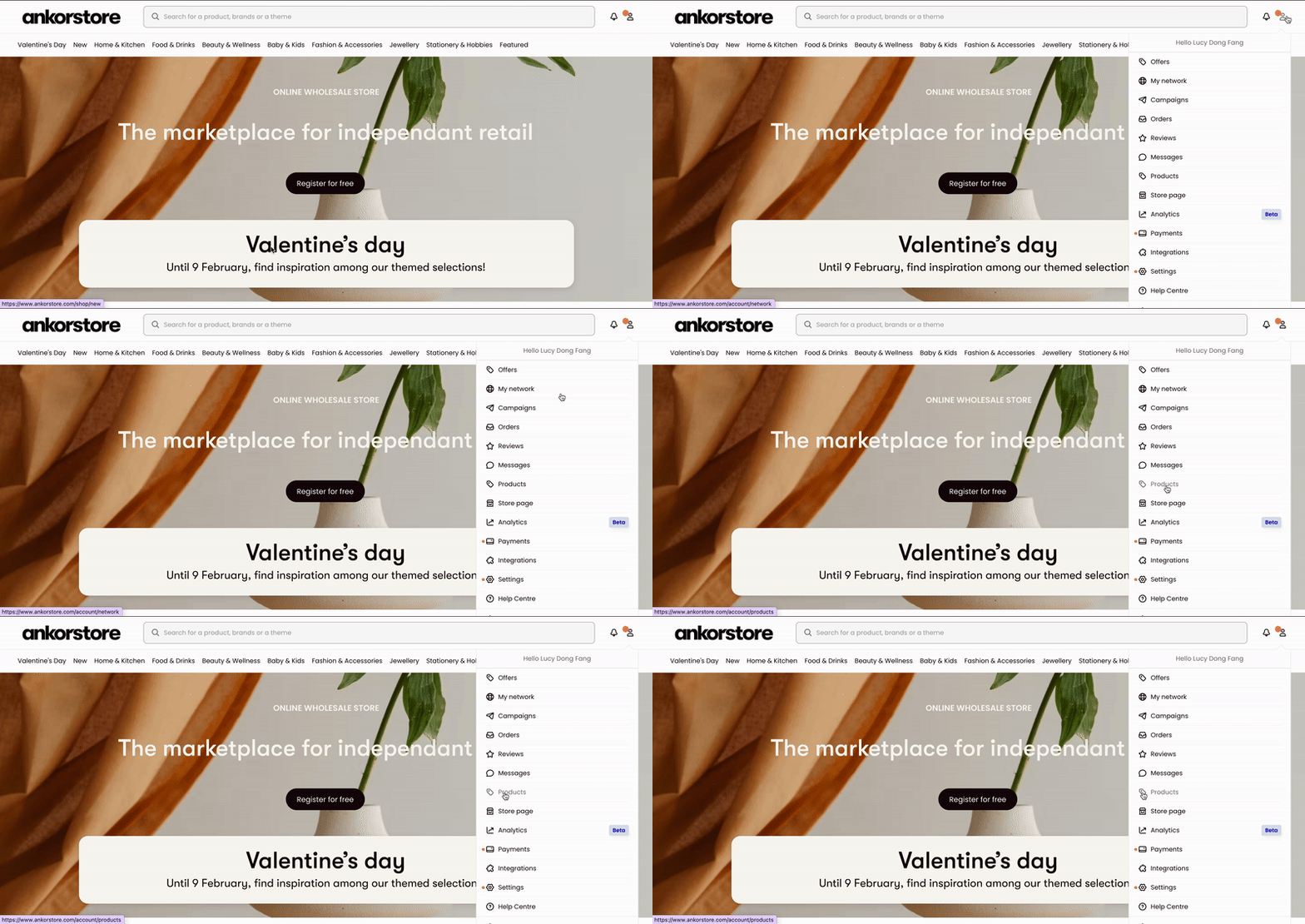
Step 1 - You can delete products from your catalog directly in your back office - tab Products.
Step 2 - Select the items that you no longer want to keep in your catalog by ticking boxes next to their thumbnails.
Step 3 - After selecting at least 1 product, the button Actions will appear on top of your list. Choose Delete selected items to remove the product permanently from your shop.
Note: Deleting a product is permanent and cannot be undone.