How do I find the relevant HS Codes for my products?
Last updated: July 22, 2026
What are HS Codes?
The Harmonised System (HS) is a standardized numerical method of classifying traded products and is used by customs authorities world-wide to identify products when assessing duties and taxes and for gathering statistics. It is administered by the World Customs Organization (WCO).
As per the Import Control System 2 (ICS2), starting 2-Oct 2023, it is mandatory to include at least the first six digits of the relevant Harmonized System (HS) Code - for each of different commodities listed on the electronic Commercial/Proforma Invoice for all orders between EU members and non-EU members.
How can I find the HS Codes for my products?
Go to www.tariffnumber.com and follow these steps:
Select the relevant “Section” - the top level sections are broad categories
Example: For “Green tea”, the relevant section is Section II: “Vegetable products”: Click on it to find its sub-categories.
Within each section, select the “Chapter” with the description most relevant to your product
Example: to continue identifying the HS code for “green tea”, the relevant chapter is “Chapter 09: coffee, tea, maté and spices”. Click on it to advance to the next level
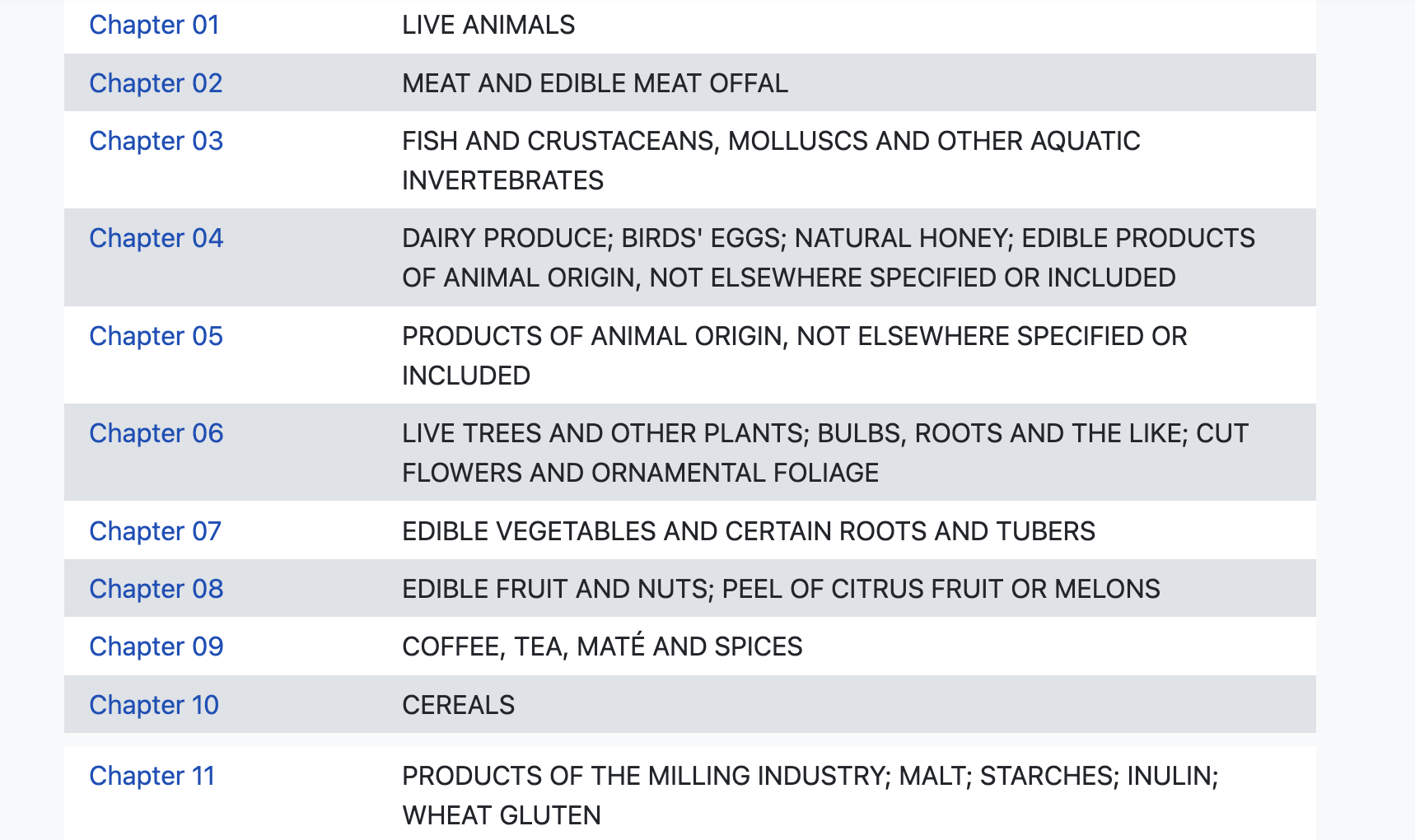
Within the relevant chapter, read carefully the code descriptions and choose the one that most closely matches to your product
Example: in case of the product item “green tea”, the relevant code should be either of the two, depending on the packing weight
How can I add the HS Codes for my products to my catalog?
Learn more
There are different ways of updating your product information:
Individually (one by one) - directly in the product form
In bulk - with the google spreadsheet
In bulk - with Shopify’s catalog synchronization
For a detailed guide on each of these methods, please refer to our dedicated article on: 📄 Add, update in bulk or a single product